
Running a restaurant today means handling multiple tasks at once—billing customers, tracking inventory, managing staff shifts, and more—while also keeping diners happy. Modern restaurants face rising costs, staff shortages, and fierce competition. That is why automation, accuracy, and efficiency are no longer optional. A good restaurant management system (RMS) can integrate everything, allowing owners to focus on food and service. Industry experts say restaurants are investing heavily in digital tools (including AI and automation) to reduce costs and improve the customer experience.
That’s why we can say that effective restaurant management software can streamline operations, reduce errors, and help restaurant owners to make decisions stress-free.
Table of Contents
What Is Restaurant Management Software?
Restaurant management software is a digital system designed to handle the daily operations of a restaurant in one place. Instead of using many notebooks, spreadsheets, or different apps, this software allows the restaurant to manage everything from taking orders to handling bills, keeping track of stock, and managing staff. Its main job is to make work easier and faster so that the restaurant can run smoothly without mistakes.
How It Works
When a waiter takes an order, the software sends that order directly to the kitchen. At the same time, the system updates the stock of ingredients and adds the sale to the daily report. If the restaurant has a loyalty program, the customer’s points can also be updated automatically.
The manager can open the software on a phone, tablet, or computer and see live information about sales, inventory, and staff work hours. Because many modern systems are cloud-based, the restaurant owner can even check all this from another city or while traveling.
Difference Between RMS and POS
Many people confuse a POS (Point-of-Sale) system with a Restaurant Management System.
- A Point-of-Sale (POS) mainly handles taking orders and making bills. It works like a digital cash register.
- A Restaurant Management System (RMS) includes the POS features but also adds more tools, like inventory tracking, staff scheduling, reporting, and customer data.
So, we can say:
- POS = Front desk work (billing and order entry)
- RMS = POS + Back-end work (inventory, staff, reports, etc.)
Example: BhojPe – A Complete Restaurant Management Solution
“BhojPe” is an example of a modern restaurant management software used by cafes, cloud kitchens, and dine-in restaurants in India. With BhojPe, a waiter can place an order on a mobile device, the kitchen receives it instantly, and the stock updates automatically. At the end of the day, the system can create clear sales and performance reports without manual writing.
“BhojPe” also manages online orders, staff access, and loyalty programs—all from one dashboard. This helps restaurants save time, avoid errors, and operate smoothly.
Features of a Good Restaurant Management Software
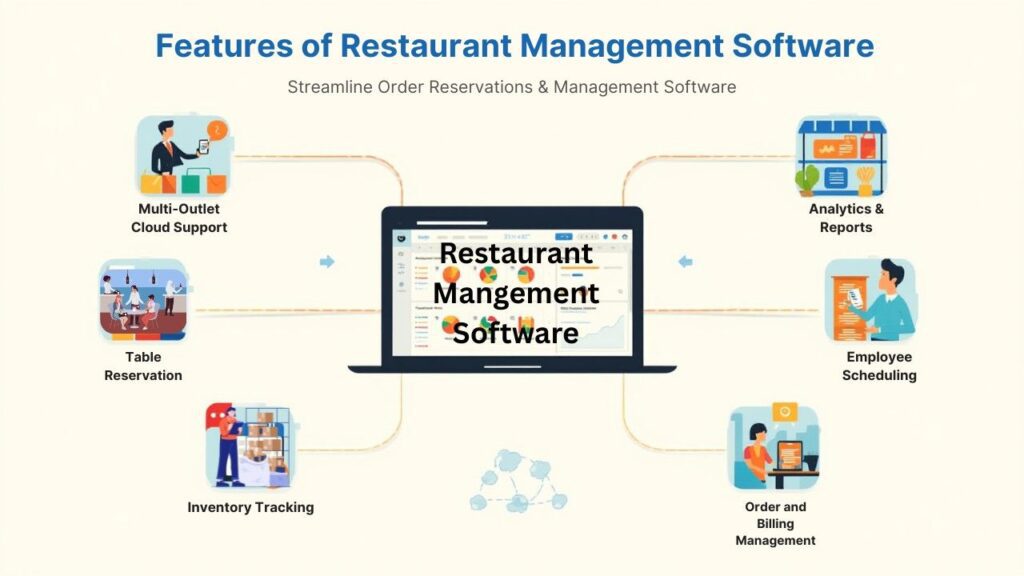
A good Restaurant Management Software (RMS) should help in almost every part of running a restaurant. Below are the main features explained in very simple language:
1. Order and Billing Management
The software should make taking orders and making bills quick and easy.
Waiters can take orders on a tablet or computer, and the order goes directly to the kitchen.
The system should also handle:
- Split bills
- Add-ons (like extra cheese)
- Discounts
- Different payment methods (cash, card, UPI, etc.)
This reduces mistakes and speeds up service.
For example, BhojPe allows fast and secure billing in just a few taps.
2. Table Reservation and Waiting List
Good software helps you manage which tables are free and which are booked or waiting.
It shows a clear view of the restaurant’s seating plan.
Staff can:
- Add reservations
- Track waiting customers
- Know when a table will be free
This helps reduce long waiting times and keeps guests happy. Restaurant management software helps to smooth the reservation process to help maximize seating.
3. Inventory and Stock Tracking
This feature keeps track of ingredients and food items in real time.
Whenever a dish is sold, the ingredient quantity reduces automatically.
This helps the manager:
- Avoid running out of items
- Stop extra buying and waste
- Order the right amount from suppliers
Some systems can even remind you when stock is low. This results in saving money and reducing food waste.
4. Employee and Shift Scheduling
Managing staff becomes easier with RMS.
The software can:
- Assign shifts
- Track attendance
- Help manage payroll
Staff can also check their schedule from their phone or request shift changes. This avoids confusion and improves teamwork.
5. Menu Editing and Digital Menus
You should be able to update menu items and prices easily. If something is out of stock, you can temporarily hide it from the menu. Many systems support QR menus, so customers can view the menu and place orders from their phone.
For example, BhojPe offers QR code ordering to make the service faster and smoother.
6. Analytics and Reports
A modern Restaurant Management Software (RMS) gives useful reports such as
- Which dishes sell the most
- Daily and weekly sales
- Employee performance
- Inventory usage
These reports help owners make better business decisions.
BhojPe offers fast and clear real-time reports for better decision-making.
7. Multi-Outlet and Cloud Support
If the restaurant has multiple branches, the RMS should show data from all branches in one place. Cloud-based software lets owners check everything from anywhere—phone, laptop, or tablet. This helps maintain the same menu, pricing, and service quality in every branch.
BhojPe supports multi-branch management with a single dashboard.
Read Also: How can AI help Small Businesses in Customer Service?
Benefits of Using Restaurant Management Software
Faster Work and Fewer Mistakes—Orders move quickly to the kitchen, bills are accurate, and stock updates automatically. This reduces confusion and saves time.
Happier Customer—Faster service, clear billing, and easy payments mean a better dining experience.
Happy customers are more likely to return.
Better Financial Control—Owners can see exact sales, expenses, and profit in seconds. This helps in planning, budgeting, and growing the business.
Lower Costs and Less Waste—With proper inventory tracking and scheduling, restaurants avoid buying extra items and overpaying staff.
This helps save money every month.
Easy Record Keeping—Health, safety, and financial records are safely stored in the system.
No need to keep piles of notebooks or files.
Common Challenges faced by Restaurant Owners Without Management Software
Before using an RMS, most restaurants faced daily struggles:
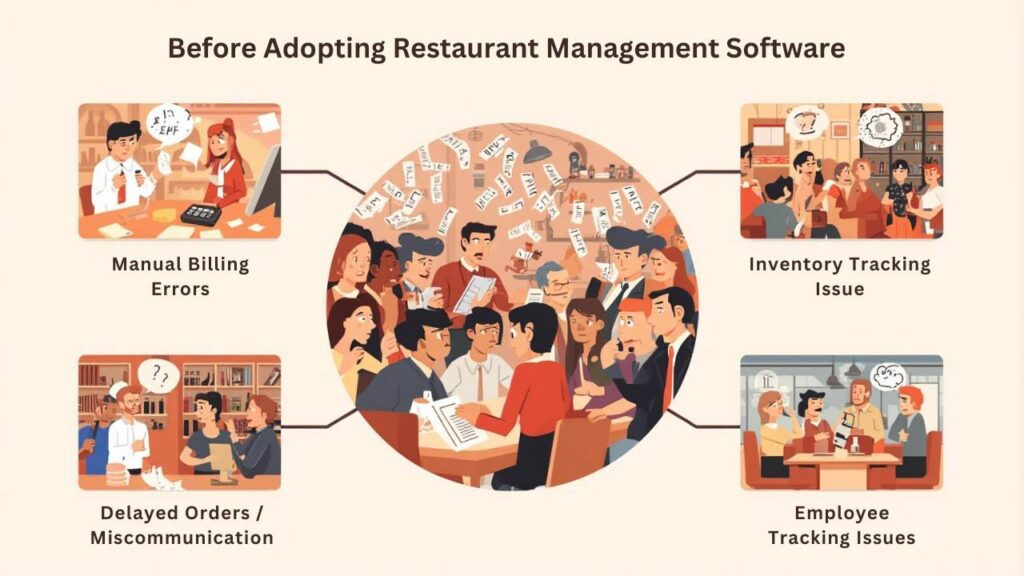
Manual Billing Errors : Handwritten bills or simple cash registers often lead to mistakes—like miswriting the total or missing an item. This leads to both losses and customer complaints.
Inventory Mismatches: Manual stock checking is fraught with errors. Sometimes items run out, and sometimes extras are purchased. Research shows that manual processes lead to both “resource waste and revenue loss”.
Delayed Orders and Unhappy Customers: Miscommunication occurs when orders are placed.
Tickets are delayed in reaching the kitchen, slowing down service. In today’s fast-paced world, customers don’t tolerate delays.
Employee Performance Tracking is Difficult: If digital records are not maintained properly, staff shifts, attendance, and performance can not be properly tracked. Payroll errors also occur, which lowers morale.
How BhojPe Resolves All These Problems
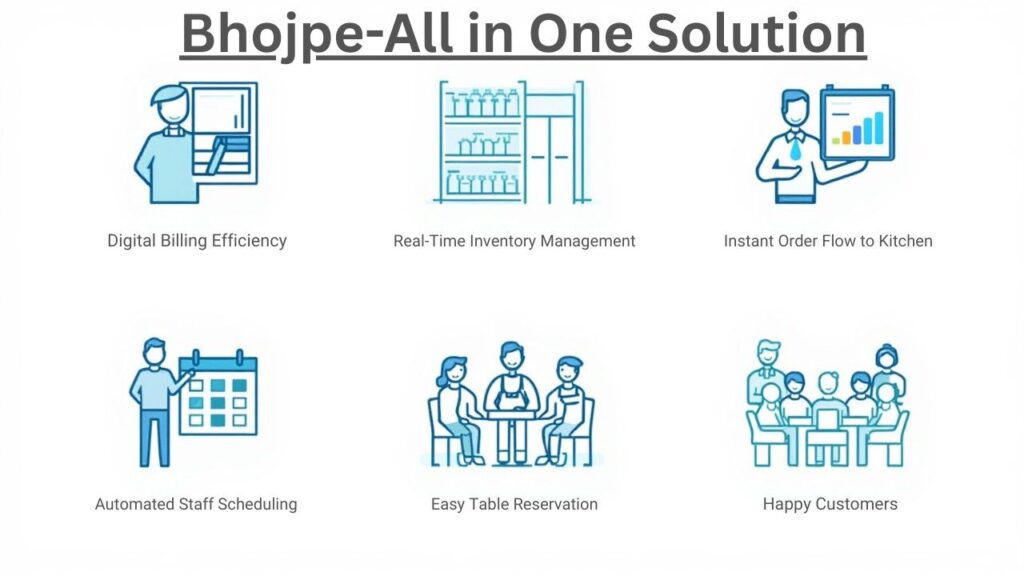
BhojPe solves all these issues through automation:
- Billing is fully digital, so there are no calculation errors.
- Inventory is updated in real time, controlling stockouts and waste.
- Orders go directly to the kitchen via POS and QR, so service is fast.
- Staff schedules and attendance are managed within the system, ensuring accurate payroll.
Manual errors are virtually eliminated, and the system delivers 100% accurate results.
The results – Faster service, less stress, and happier customers.
Many BhojPe users have reported that their restaurants are now more efficient and profitable.
Different Types of Restaurant Management Software
Restaurant Management Software solutions come in various forms, each tailored to different needs:
POS-Based Software: This is the traditional all-in-one model where the POS terminal software includes many management features. The entire system (orders, inventory, reporting) runs on one local or cloud-based application.
Examples: Posist and Petpooja (both Indian POS-centric platforms) or Toast (U.S. cloud POS).
These are typically easy to set up and great for owners who want one vendor for everything. They often support offline mode so the restaurant can keep running even if Wi-Fi drops (Petpooja advertises “offline, cloud-based software” that works on any hardware
Cloud-Based Software: Pure cloud RMS are accessed via web/mobile apps and store data online. This offers flexibility – you can monitor your restaurant from anywhere. Many startups offer cloud-only solutions with subscription pricing. The key advantage is automatic updates and multi-location sync.
Example, Square for Restaurants is a cloud POS that scales from a single food truck to a chain, letting owners manage menus and staff over the internet.
Inventory Management Systems: Some restaurants use a specialized inventory/POS combo. These systems focus heavily on stock tracking and recipe costing. They may integrate with any POS via APIs.
For example, MarketMan or BlueCart are tools that primarily help you keep ingredients and food costs under control. They often include purchasing modules and vendor catalogs. If waste reduction is your top goal, a dedicated inventory system could help.
Reservation & CRM Platforms: Other software targets the front-of-house experience. Tools like OpenTable or Eat App are focused on table bookings, waitlists, and guest communication. CRM features (customer databases, loyalty) can also be stand-alone.
In this model, you might run a separate POS for orders and connect it to the reservation/CRM tool through integrations. These are popular with fine dining establishments that prize personalized guest service.
Hybrid (All-in-One) Solutions: Many modern systems combine these approaches. BhojPe, for example, is an all-in-one hybrid model. It functions as a POS, inventory manager, and reservation system, all in one platform.
You do not need a separate bookkeeping software or loyalty app – BhojPe handles it natively. This means easier set-up (one login, one vendor) and consistent data across all modules.
Top Restaurant Management Software in 2026
Here are some popular restaurant management software options that restaurants are using in 2025.
1. Petpooja
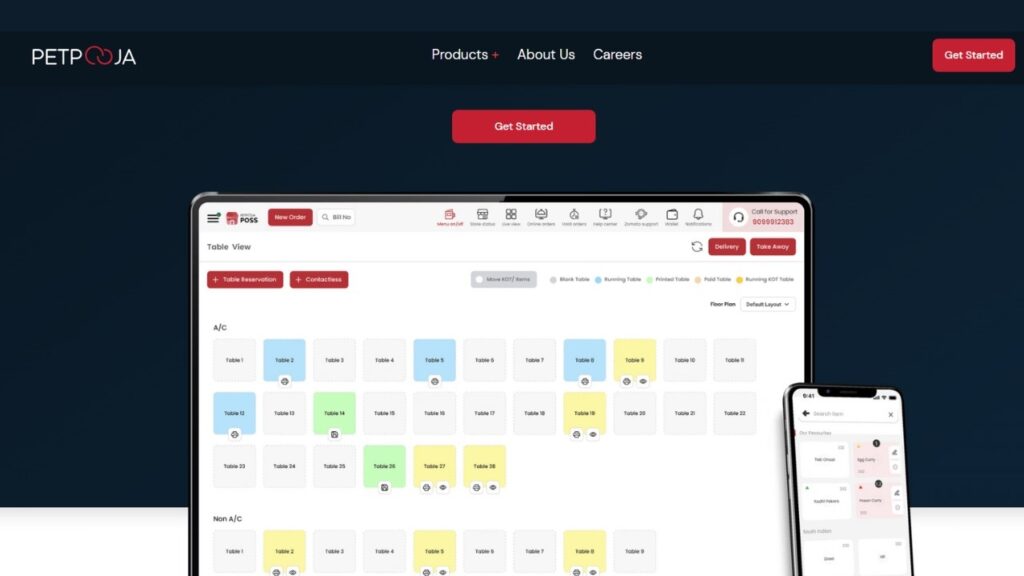
Petpooja is one of the most popular POS systems in India. It is used by over 100,000 restaurants in India and abroad. It also offers billing, table management, multi-terminal support, and integration with delivery apps like Zomato and Swiggy.
- Works even when the internet is slow or offline.
- Supports online delivery apps like Swiggy and Zomato.
- Offers loyalty points and discounts.
- Provides support in many Indian languages
Pricing: Plans start at approximately $50/month. Plans can range from $50–$135+ per month depending on features).
Demo: Free trial / demo is available.
It offers 24×7 India-based local language support
2. POSist
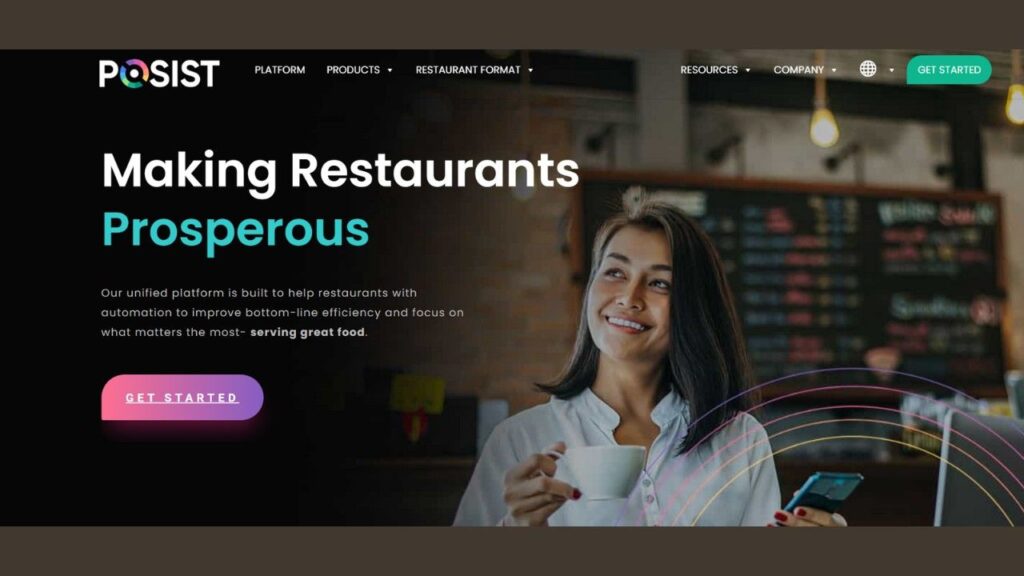
POSist is a cloud-based restaurant management system used by many restaurants around the world.Over 25,000 restaurants worldwide are operating on POSist.It offers modules such as POS, kitchen display, inventory, staff management, and analytics. Its highlights include 24×7 support, 500+ integrations, and multi-language support. It is perfect for enterprise-level restaurants and can handle high-scale growth.
- Works well for restaurants with many branches
- Available in different languages
- Gives reports and supports 24×7 customer help
Pricing: Custom pricing (needs to contact the sales team). Tailored plans for enterprise businesses
Demo: Free demo is available on request
It supports both front-of-house work (like taking orders and billing) and back-end tasks (like tracking inventory and staff).
3. Toast POS
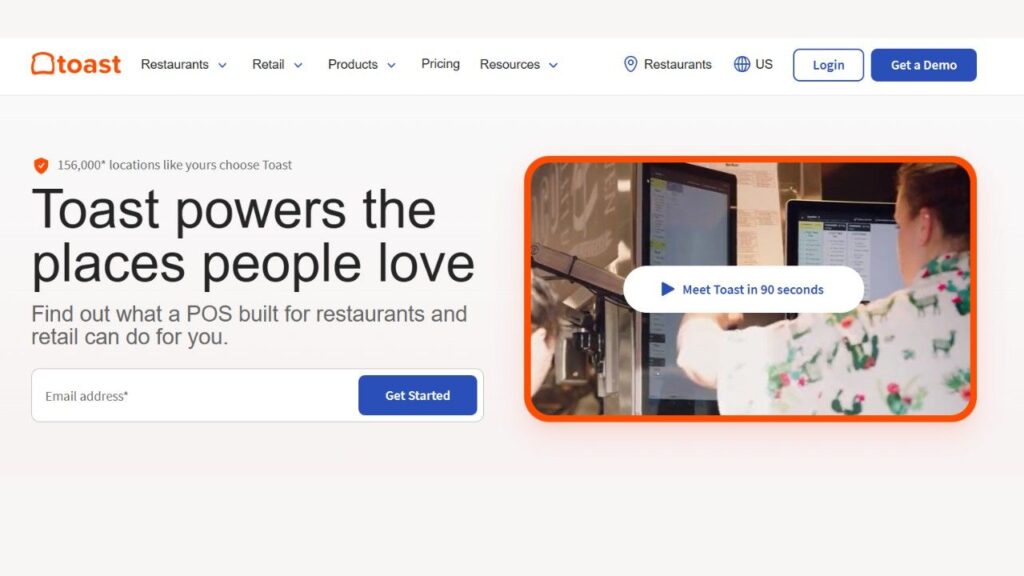
Toast is a US-based cloud POS that runs on Android devices. It combines POS, online ordering, loyalty programs, payroll, and reporting all in one. It is known for its strong analytics and streamlined restaurant workflows.
- Good for order-taking and online menus
- Offers payroll and staff management
- Has strong reporting tools
Pricing: The starter plan is approximately $69/month per terminal, plus payment processing charges. Custom plans are also available for large restaurants.
Demo: Free demo offered on their website.
4. Square for Restaurants
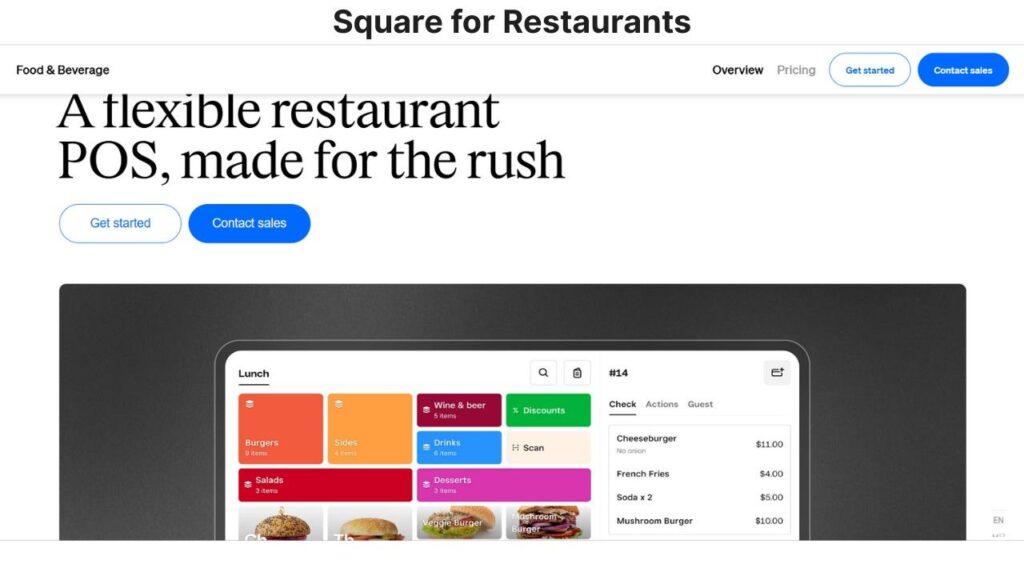
Square for Restaurants is a flexible cloud POS that works for businesses ranging from small cafes to multi-location restaurants. It features quick order entry, table management, course tracking, and delivery integration. Square’s ecosystem provides loyalty, staff scheduling/payroll, email marketing, and 100+ integrations.
- It has a simple user interface, making staff training a breeze.
- Offers both free and paid plans
- Supports online ordering, staff scheduling, loyalty programs, etc.
Pricing: Free plan available/Paid plan starts at about $69/month
Demo: Free trial available.
5. BhojPe (Recommended)
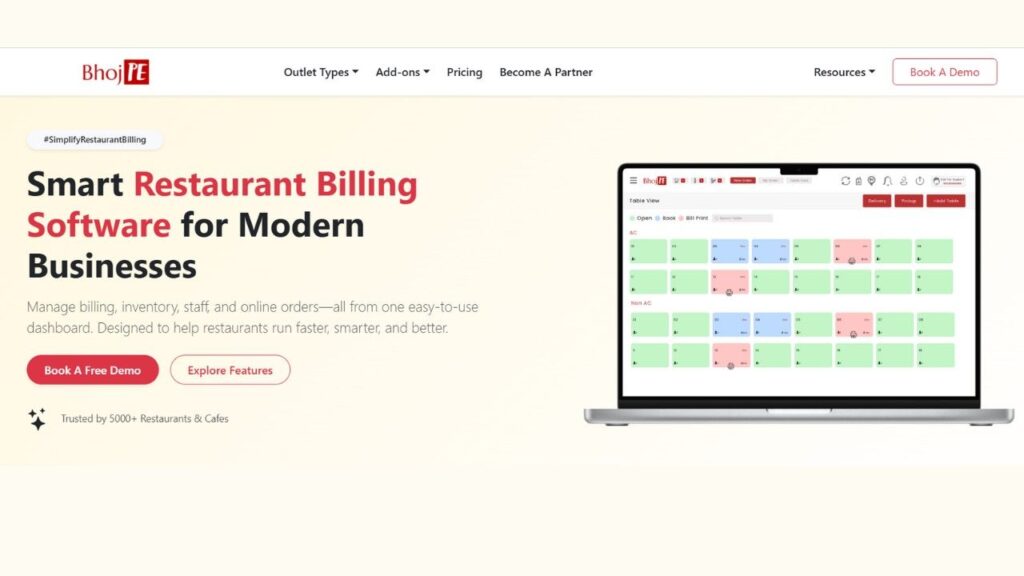
BhojPe is a restaurant management system made specially for restaurants, Indian cafes, cloud kitchens, and dine-in restaurants. It combines billing, stock control, staff management, online orders, and customer loyalty in one system.
- Works on phone, tablet, or computer
- Supports Hindi and other Indian languages
- Accepts payments like UPI, Paytm, and card
- Works for both small and growing restaurants
- 24×7 support available in India
Pricing:
- Starts at ₹499/month
- Higher plans (₹899–₹1499) include CRM, reservations, and multi-branch management
Demo: Free 7-day trial + Free demo available.
Note-From time to time, prices may change, so it is always best to check the company’s website for the latest details.
Why Bhojpe Stands Out
BhojPe is especially helpful for Indian restaurants because:
- It is easy to use, even for staff who are not very tech-savvy
- It works on multiple devices (mobile, tab, desktop)
- It is affordable for small restaurants, cafes, food trucks
- It provides local language support and quick help via WhatsApp
Many restaurant owners say BhojPe helped them:
- Reduce billing mistakes
- Keep track of stock
- Improve speed of service
- Increase daily sales
Conclusion — Why Your Restaurant Needs Restaurant Managment Software Today
In today’s restaurant industry, digital tools are no longer a necessity—they are essential. A good RMS makes your service faster, reduces errors, keeps customers happy, and makes your business more profitable.
BhojPe provides all these benefits for Indian restaurants in a very simple way. Its all-in-one platform handles everything from billing to loyalty programs, all with an easy interface and low cost.
Using BhojPe gives you the speed of automation and the simplicity required for small businesses.
Don’t let old manual systems hinder your growth.
Book a free demo of BhojPe today and see how it takes your daily chores from hours to minutes.
It saves you time, reduces stress, and lets you focus on what matters most – making tasty food and keeping customers happy.
Read also : Affordable AI Tools for Time Management and Scheduling
FAQs About Restaurant Management Software
Q: What is the best restaurant management software in India?
Ans: There is no simple answer to this, as every restaurant’s needs are unique. Popular options in India, like Petpooja (used by over 100,000 restaurants) and POSist (used by over 25,000 restaurants), are quite popular. International brands, like toast and Square, are also used by chain restaurants.
Small and mid-sized restaurants often choose a system that is easy to use, offers local language support, and works smoothly with Indian payments (UPI, wallets).
The best choice depends on your budget, outlet size, and required features.
Q: How much does restaurant management software cost?
Ans: Prices vary depending on the type of system and features. Cloud-based RMSs are usually available on a monthly subscription basis, ranging from around ₹2,000 to ₹15,000+ per month per outlet. Old-style on-premise systems often cost lakhs upfront.
You also need to budget for additional hardware (tablet, printer, POS device).
Overall, the more features—like delivery integration, CRM, and advanced reports—the higher the price.
Q: Is restaurant management software suitable for small restaurants or cafes?
Ans: Yes, absolutely. Modern RMS systems are specifically designed for small cafes, food trucks, and single-outlet restaurants. Most systems provide essential tools like basic billing, inventory, and daily reports, which are sufficient for small food businesses. The interface is also simple, so it does not take much time to train staff.
An RMS is a good investment for small eateries because it reduces mistakes and speeds up work.
Q: Can restaurant management software work offline?
Ans: Each software’s offline setup is different. Some RMS are fully cloud-based, requiring constant internet. Some systems offer a partial offline mode—where billing or order-taking can be temporarily offline, and data syncs as soon as the internet is restored.
If the network in your area is weak, be sure to check the offline capability before choosing the software. Data remains accurate and updated only when there is a stable internet.
Q: How can I book a demo for restaurant management software?
Ans: Almost all RMS companies offer demos. You can visit their website and click the “Book Demo” or “Try Free” button. Just fill in your name, number, and business details—the team will contact you and provide a live walkthrough of the system.
The demo is free, so it is the best option to test the software before making a final decision.